
Bots
Connect Telegram or Discord to review status and call a fixed set of safe server actions.
Explore BotsProduct guide
Server Rock brings scoped community bots, supported game-server management, local finance-bot research, and profile-owned websites into one desktop workspace.
Product workspaces
Monitoring, access, imports, and recovery support these workflows from the selected profile and host.
Connect Telegram or Discord to review status and call a fixed set of safe server actions.
Explore BotsSet up supported recipes, check host compatibility, and manage server services in one workspace.
Explore Game serversUse supported local research, backtesting, and paper-trading workspaces. Live trading is separate and guarded.
Explore Finance botsConfigure a profile-owned starter site and preview it inside Server Rock. The editor supports Linux starter text; custom or older pages stay host-managed.
Explore WebsitesKeep one host deployment and its services together.
Check timestamped readiness and service evidence.
Read the impact and confirm host actions in context.
Review available backups before maintenance.
Windows desktop examples · earlier build
These authentic captures show an earlier desktop build. Layout and controls continue to evolve with rolling updates.
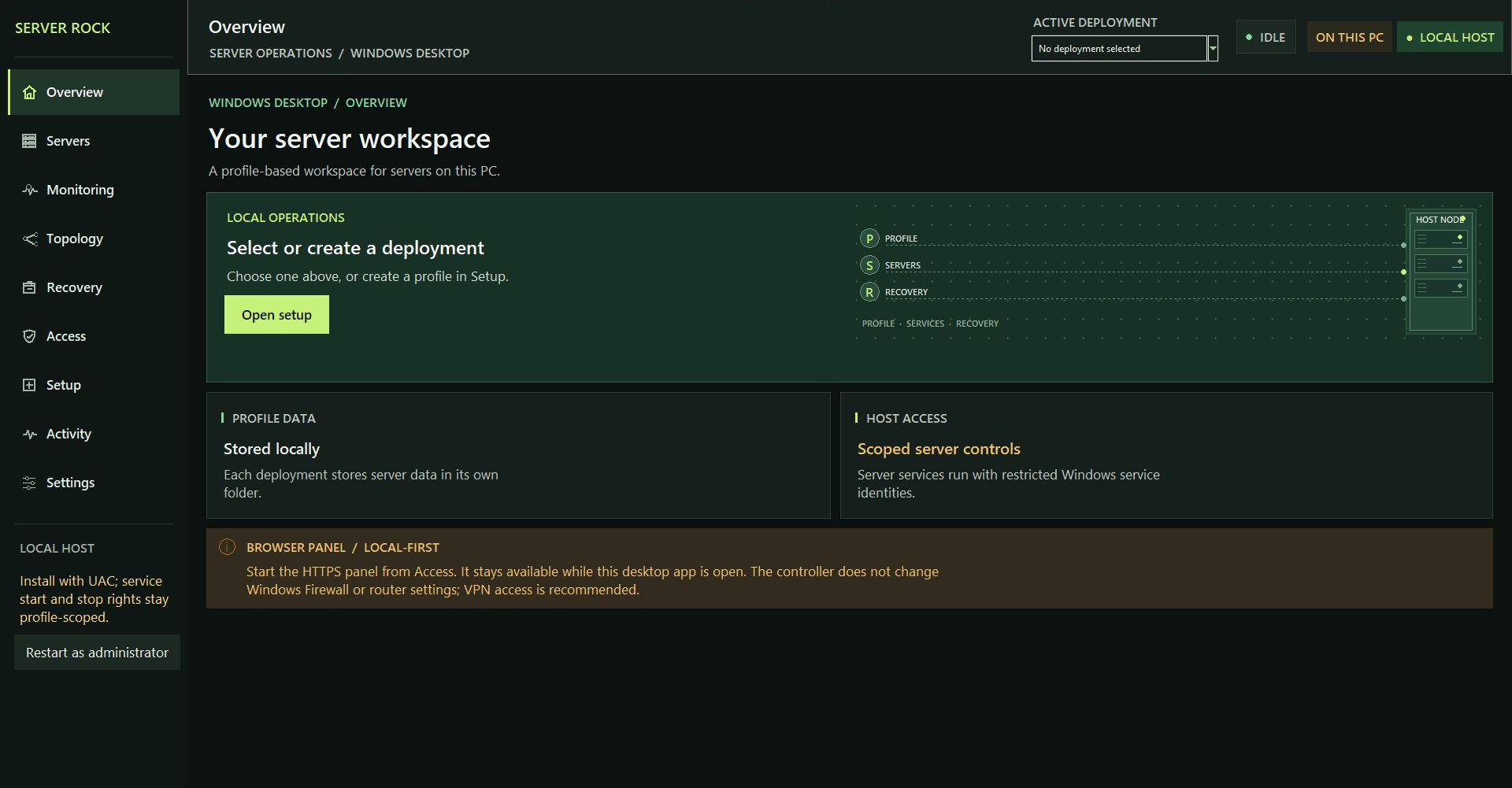
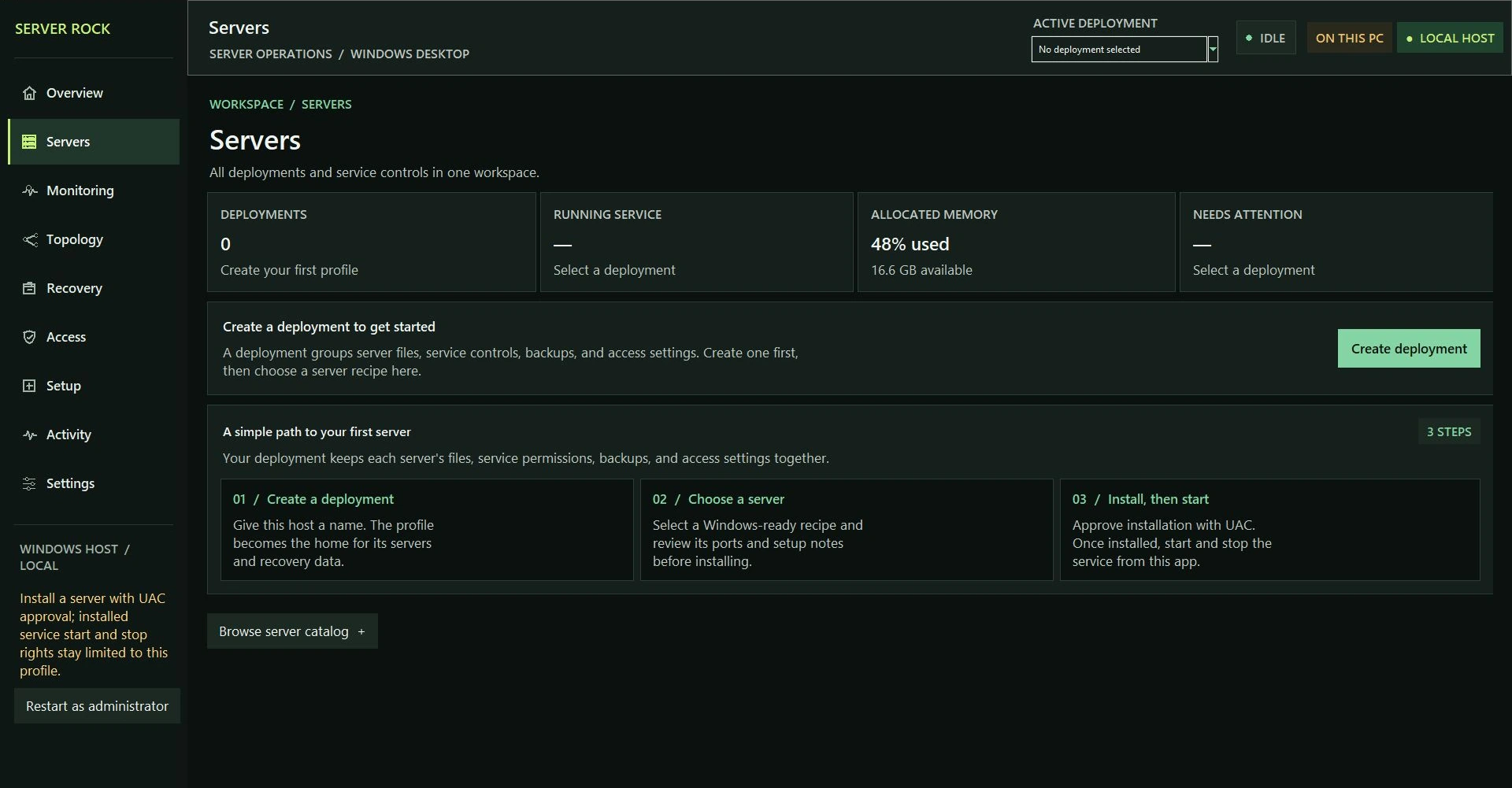
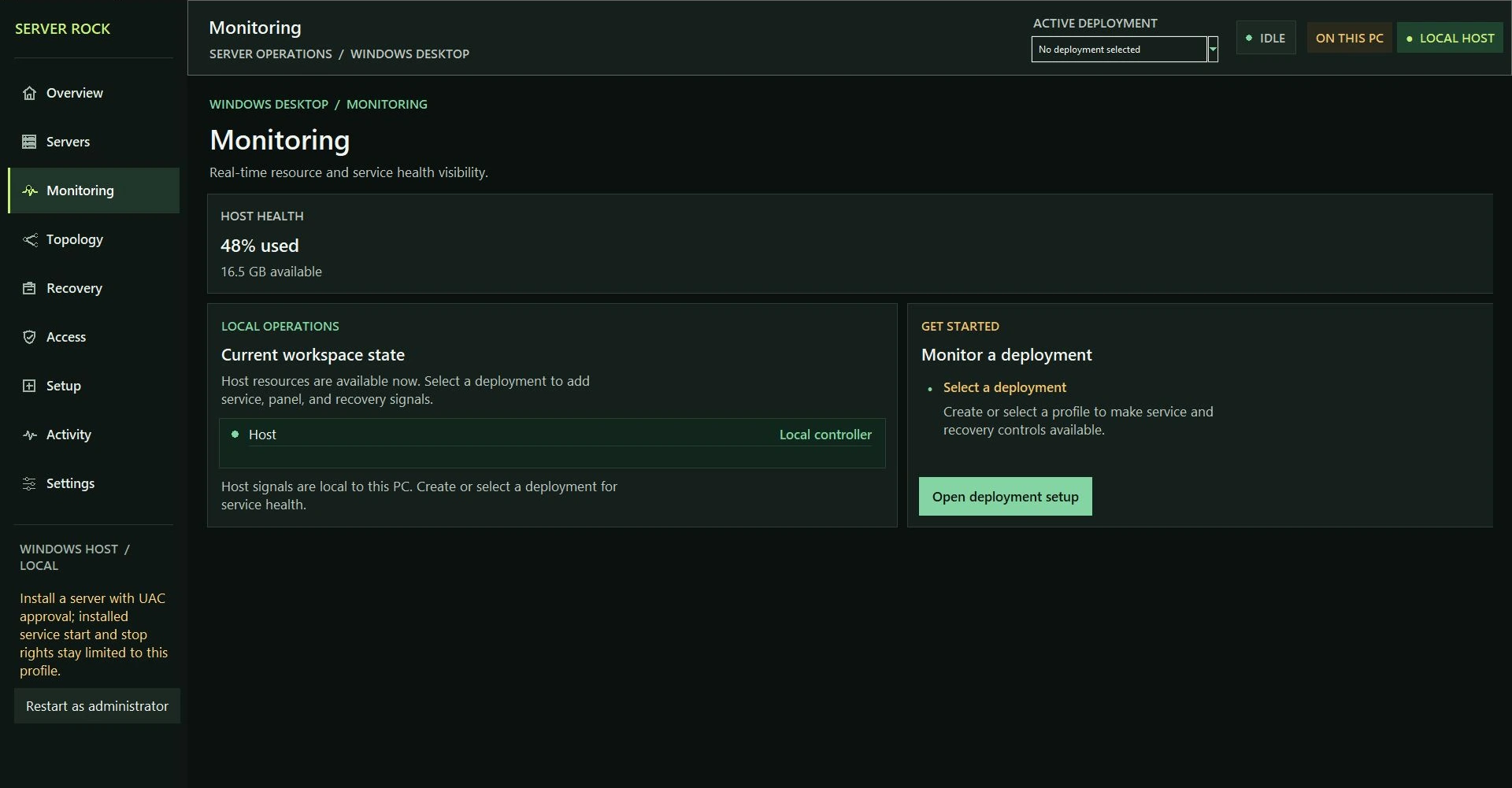
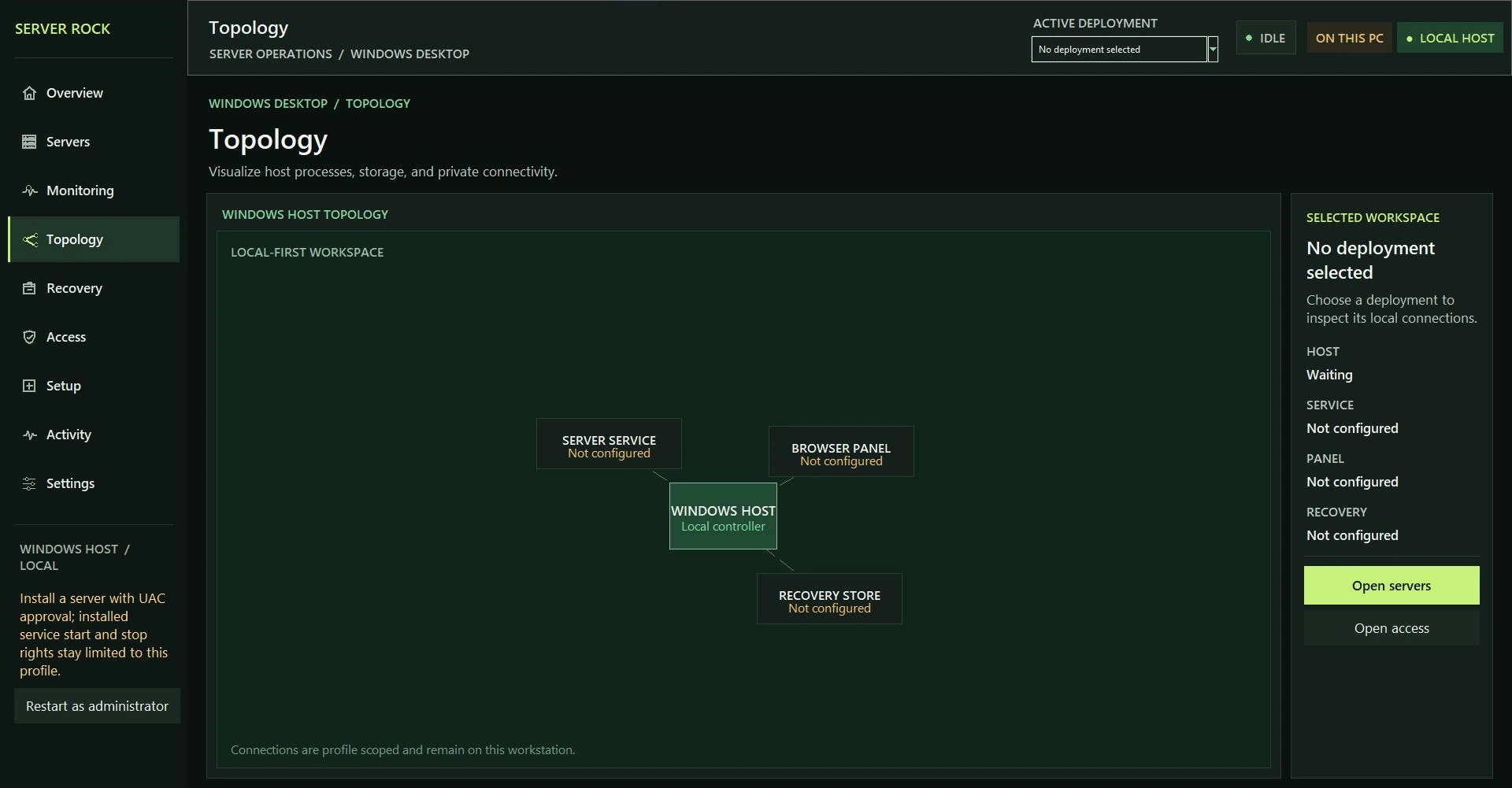
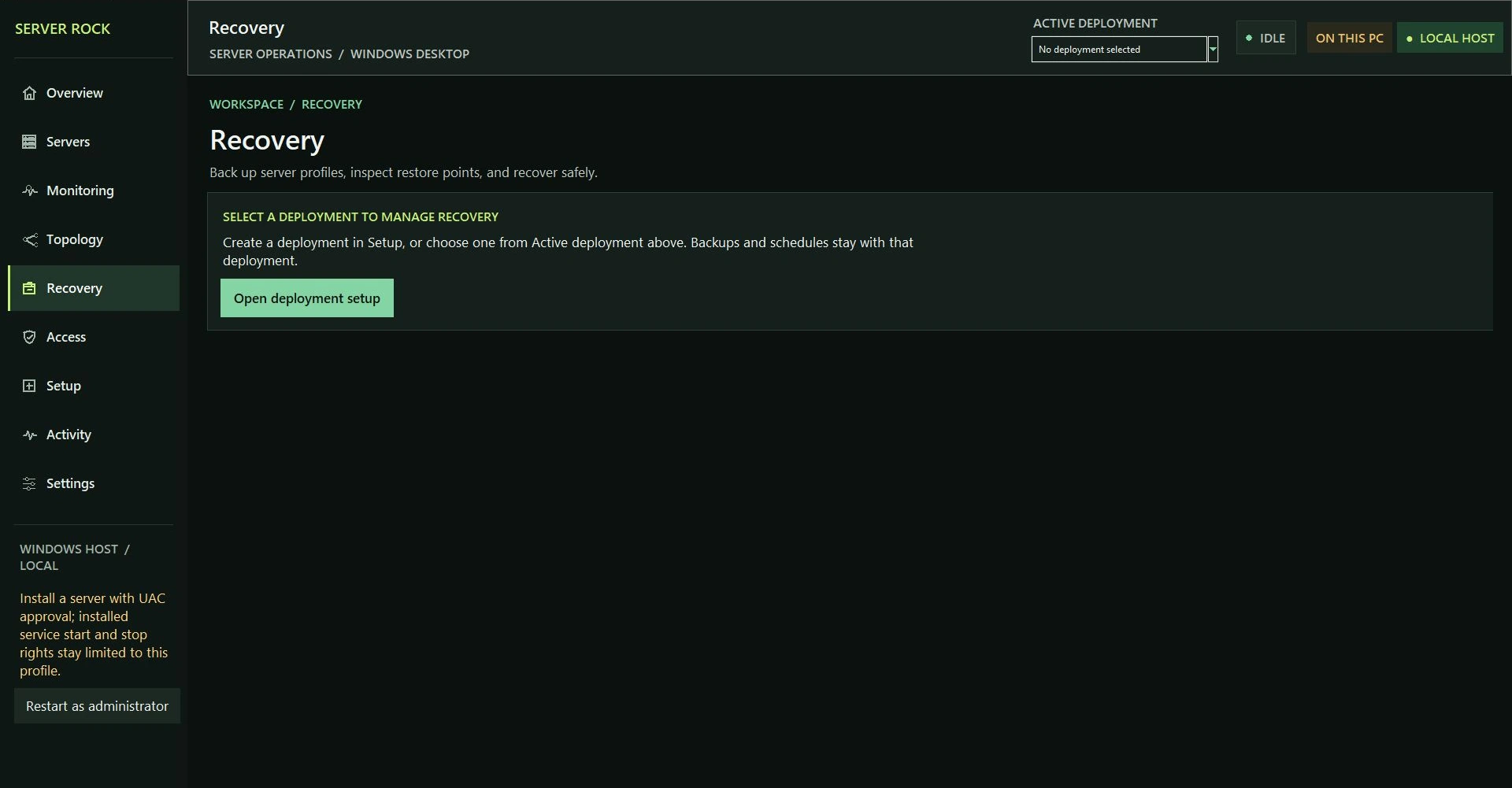
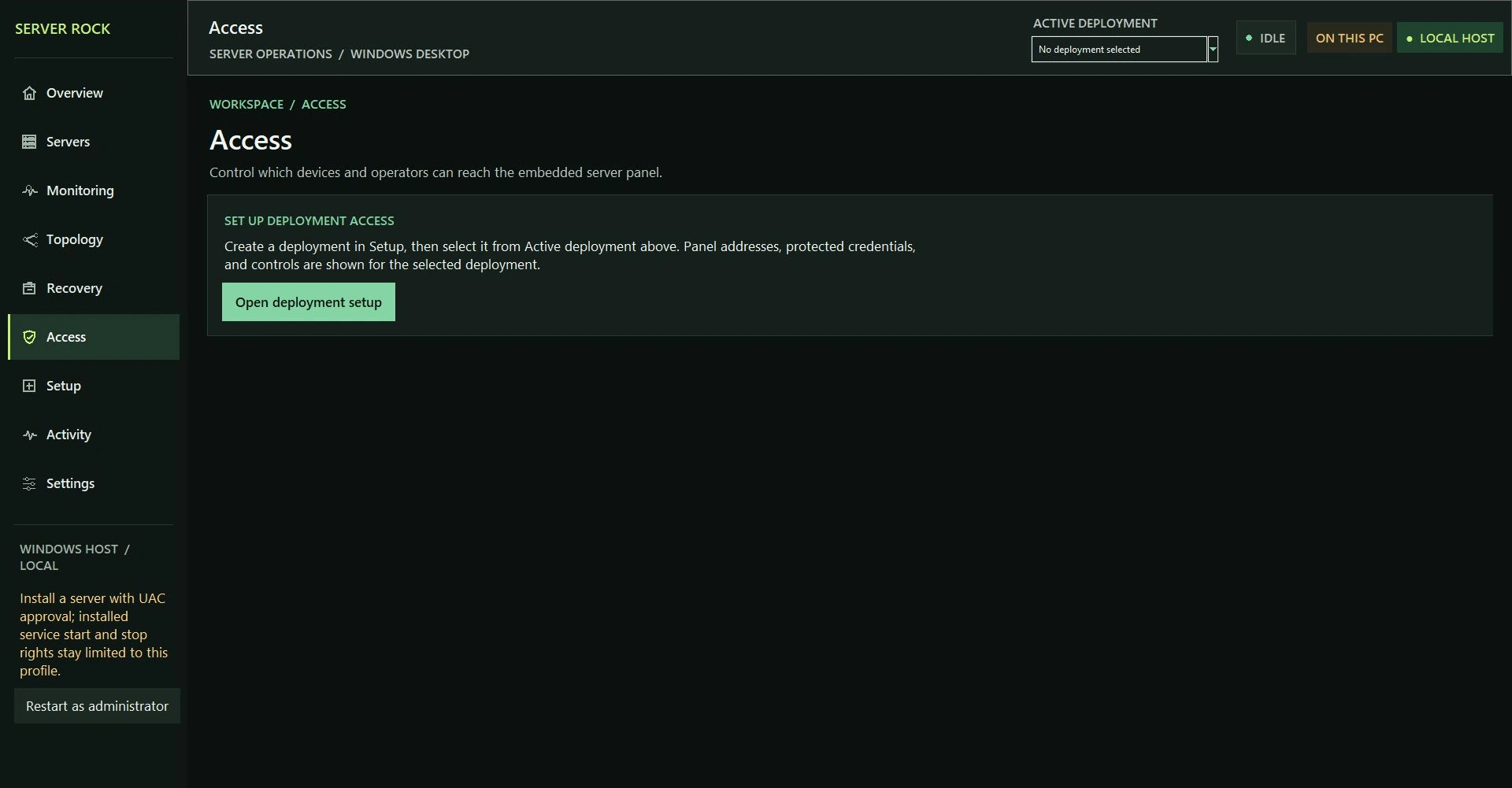
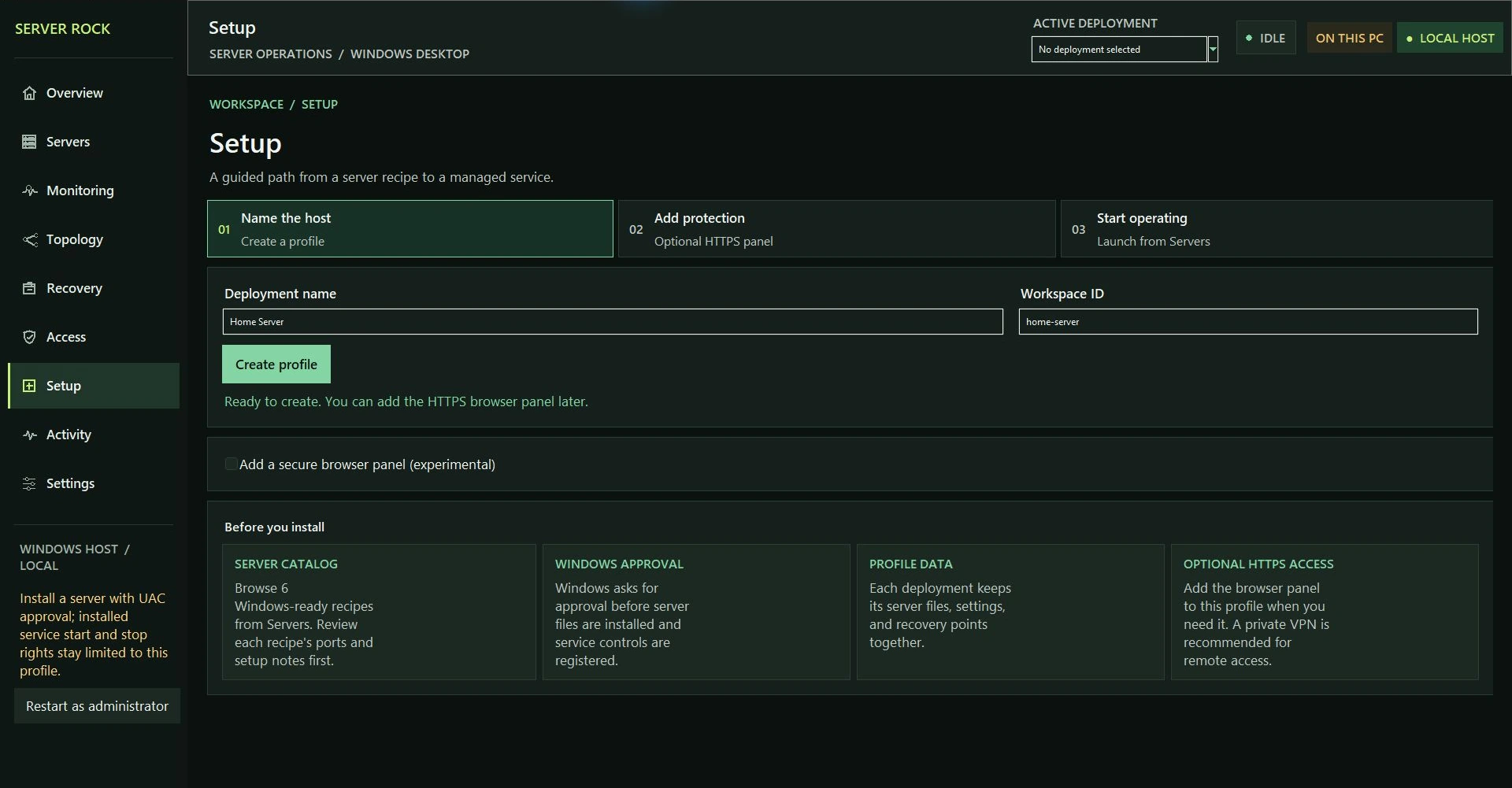
Earlier Windows desktop build · No deployment selected. Host readings reflect the machine at capture time.
In-app guide
The guide explains setup, servers, monitoring, recovery, access, websites, and integrations. It can point to a workflow, but it cannot run host actions by itself.
FAQ
Short answers about purchases, downloads, and host setup.
Use the Google account connected to your purchase. The control plane checks that entitlement before showing installer links.
Paid builds receive rolling, bleeding-edge releases through an account entitlement and signed lease. A one-time purchase includes 30 days of updates; an active paid monthly subscription keeps the update window current. Your installed version remains usable after update access ends.
No. It manages services on your Windows desktop or Linux host.
The setup flow offers editable component presets. Review host requirements and service-specific settings before installing.
Updates
Keep the consumer app signed in after installation. The client checks its signed update lease before applying a rolling release.
Check downloadsNext step
Use the setup page to connect a host and choose the service you want to manage.
Open setupRequirements
Server Rock checks recipe and host compatibility during setup; this is the baseline for the current desktop workflow.
Windows
The Server Rock desktop package includes a setup wizard, but the Windows desktop controller needs 64-bit Python 3.10+ with Tcl/Tk on the host.
Linux
The documented workflow targets Debian or Ubuntu with systemd and a graphical session. The launcher can install python3-tk through apt when needed. Linux customer packages appear only when a supported build is published; recipes may need extra components.
Data and license
This explains the app's current data flow and product license. Store operators should publish their own complete privacy policy.
Host data
Server profiles, service credentials, and backups are managed by the host app. Store checkout sends the purchase email and order details to the configured Server Rock control plane. Google sign-in is used to check account entitlements before downloads are shown. The public product pages do not show live host status.
Product license
Customer packages contain the application, not a source-code license. Copies previously distributed under the MIT License remain under those original terms; see the preserved historical notice. Game server binaries, mods, trademarks, artwork, and provider services remain subject to their owners' terms.