
Bots
Connect Telegram or Discord with a fixed set of Server Rock commands.
Tokens stay in protected host setup.Your world, on your hardware
A desktop control room for game servers, community bots, research tools, and websites—on a Windows or Linux host you control.
The product
Choose a lane. Keep the whole host in view.
Connect Telegram or Discord with a fixed set of Server Rock commands.
Tokens stay in protected host setup.
Choose a supported recipe and manage its service from one workspace.
Compatibility depends on your host.
Research, backtest, simulate, and paper trade with supported local engines.
Live trading can lose all capital. Read the risk terms.
Configure and preview a community starter site for your profile.
Publishing requires a host setup and domain.A better rhythm
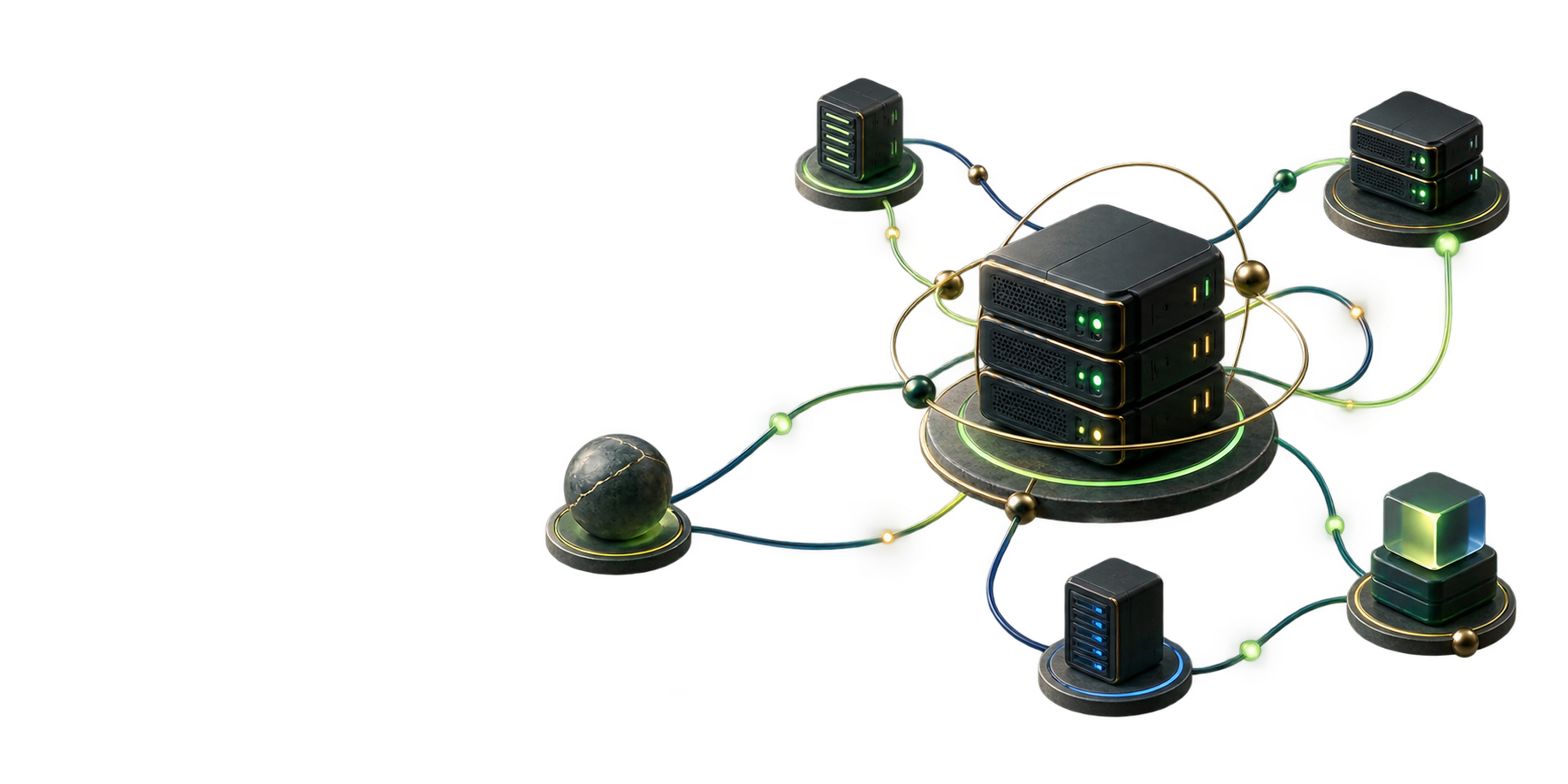
Every action starts with a clear picture of the host.
Group a host with its services and settings.
Check readiness, resources, and services.
Preview supported changes before applying them.
Find activity and backup controls beside your services.
Built for your corner of the internet
Bring the host you already trust. Server Rock keeps the important pieces close and the noise out.
Explore server profilesPlans & access
Sign in, check your access, and get the build made for your host.
Windows: Windows 10 or 11 (64-bit). The Server Rock desktop package includes a setup wizard, but the Windows desktop controller needs 64-bit Python 3.10+ with Tcl/Tk on the host.
Linux: The documented workflow targets Debian or Ubuntu with systemd and a graphical session. The launcher can install python3-tk through apt when needed. Linux customer packages appear only when a supported build is published; recipes may need extra components.
Review setup requirementsCheckout is currently disabled. No order or payment will be created. Published installer access is managed by the configured store.
Question before buying? Ask the developerEnter the email you will use for Server Rock.
Updates are included for 30 days. Keep using your version afterward; your last eligible installer remains available for reinstall.
Continue to one-time checkoutReceive new releases as they ship while each paid month is current. Your installed version and last eligible installer remain available if updates end.
Continue to monthly checkoutYour account
Your access level decides which builds appear here.
Requires an approved, signed-in Google developer account. Developer access includes rolling updates without a purchase.
The fine print, without the fog
Simple boundaries for software, data, and community recipes.
Current commercial releases
Current Server Rock packages include the application, not a license to its controller source code. Earlier MIT-licensed copies keep their original terms. Your installed version remains usable, and your last eligible installer stays available.
Read the software licenseCommunity extensions
The current product accepts no executable community plugins or host-privileged behavior from a manifest. Proposed recipes use declarative metadata to select shipped capabilities; each still needs review and host compatibility checks.
Read the extension policyBefore you install
The useful bits about setup, access, privacy, and updates.
Desktop builds are available for Windows and Linux. Recipe availability depends on your host and appears before setup.
Checkout is currently disabled, so this website will not create an order or collect a payment. Installer access appears only after a supported release is published and the account service verifies eligibility.
Sign in with the purchase email or verify your AuthKey. New releases require current update access.
A one-time purchase includes 30 days of bleeding-edge rolling updates. Your installed version remains usable after the window ends. If you uninstall, you can still sign in later and redownload the exact snapshot that was eligible at your cutoff. Newer releases require current update access; a paid monthly plan keeps updates current while payments succeed.
No. Your installed app, profiles, server files, and backups stay on your host. Game servers and third-party services follow their own requirements.
No. Current commercial releases are proprietary. Earlier Linux Server Controller copies distributed under the MIT License keep their original terms. See the software license.
Your profiles, credentials, worlds, and backups stay on your host. The app sends no product-usage or crash telemetry; the site uses no ad tracking or visitor analytics. Sign-in and downloads use an account service. See the privacy notice.
The current product does not execute plugins or import local recipe bundles. You can propose declarative JSON recipes for review; accepted recipes can use shipped capabilities only. See the extension policy.